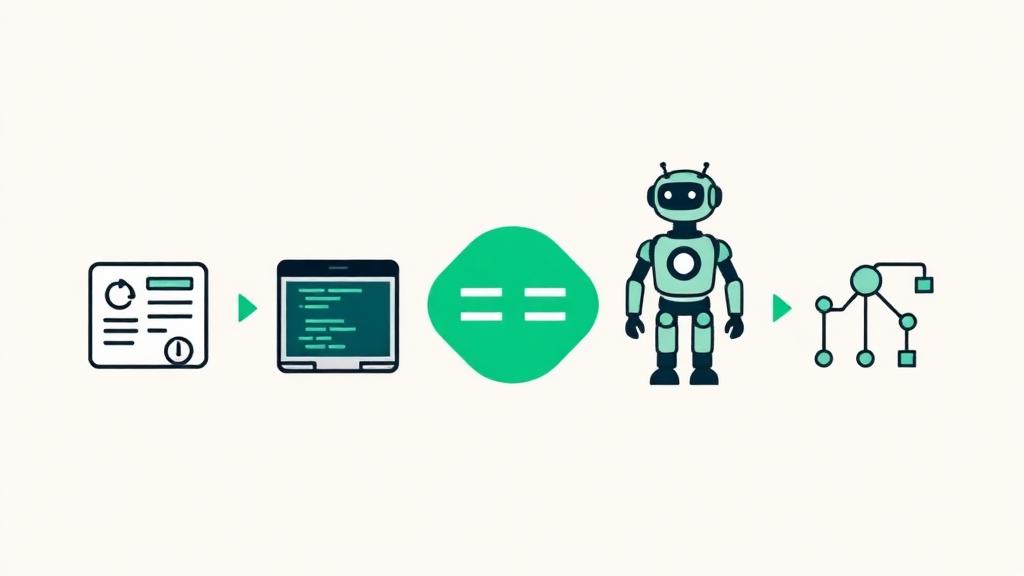
AI Coding Assistant Comparison Guide: How to Choose the Right Tool for You
Introduction
The number of AI coding tools is growing rapidly. GitHub Copilot, Cursor, Claude Code, Codex CLI, Devin, DevLoop Runner—they all promise to "make development more efficient with AI," but their approaches are fundamentally different.
If you're wondering "which one should I actually use?", this article organizes the major AI coding tools into categories and helps you choose the right one based on your development style.
Four Categories of AI Coding Assistants
AI coding tools can be broadly classified into four categories based on their level of autonomy and scope of coverage.
Loading diagram...
The further left, the more human-driven. The further right, the more AI-driven.
Code Completion
Examples: GitHub Copilot, Codeium, Amazon CodeWhisperer
These tools predict and suggest the next lines or blocks of code as you type in your editor.
Characteristics:
- Integrated into your editor, providing real-time suggestions as you code
- The developer maintains full control; AI serves as an assistant
- Easy to adopt without changing your existing workflow
- Focuses on line-level to function-level completions
Best for:
- Quickly writing boilerplate code
- Recalling API usage and library patterns
- Extending existing code naturally
AI-Powered Editor
Examples: Cursor, Windsurf, JetBrains AI Assistant
Editors with deeply integrated AI that go beyond completion—offering chat-based interaction and cross-file editing capabilities.
Characteristics:
- Code completion plus chat-based explanations, modifications, and generation
- Understands your entire project context for better suggestions
- Handles cross-file refactoring and changes
- Developers work collaboratively with AI through dialogue
Best for:
- Making multi-file changes while discussing approaches with AI
- Getting AI opinions on design decisions and implementation strategies
- Refactoring and bug fixing with AI support
AI Coding Agent
Examples: Claude Code (Anthropic), Codex CLI (OpenAI)
These tools operate in the terminal or editor, autonomously writing code, editing files, and running commands based on your instructions.
Characteristics:
- AI autonomously generates and edits code from natural language instructions
- Handles file creation/deletion and terminal command execution
- Can process multi-step tasks in a single run
- Humans focus on giving instructions and final review
Best for:
- Delegating entire feature implementations with "build this feature" instructions
- Rapid prototyping
- Auto-generating project scaffolding
Workflow Automation
Examples: DevLoop Runner, Devin
Given an issue or requirements, these tools automatically execute the entire development workflow—from design through implementation, testing, and PR creation.
Characteristics:
- Input an issue and the system handles everything from design to PR creation
- Structured phases (planning → design → implementation → testing → documentation) ensure quality
- Humans focus on review and decision-making
- Supports parallel processing of multiple tasks
Best for:
- Fully delegating implementation and focusing on code review
- Processing multiple issues in parallel
- Maintaining consistent quality across the development process
Comparison Table
| Aspect | Code Completion | AI Editor | AI Agent | Workflow Automation |
|---|---|---|---|---|
| Examples | GitHub Copilot | Cursor | Claude Code | DevLoop Runner |
| AI Autonomy | Low | Medium | High | Very High |
| Scope | Line to function | File to project | Task-level | Issue-level (all phases) |
| Human Involvement | Constant during coding | Interactive dialogue | Instructions & review | Issue creation & review |
| Test Generation | None | Partial | On request | Built into standard flow |
| PR Creation | None | None | Manual | Automatic |
| Parallel Processing | — | — | Manual multi-launch | Multiple issues in parallel |
| Learning Curve | Low | Low–Medium | Medium | Low |
| Ease of Adoption | Very easy | Easy | Medium | Medium |
The choice between categories isn't about which is "better"—it's about which fits your development style.
Recommended Tools by Development Style
"I Want to Write My Own Code"
Recommended: Code Completion (GitHub Copilot, etc.)
If you enjoy writing code and want AI in a supporting role, this is your category. Suggestions appear in real-time as you type, so you never break your flow. You maintain full control over the code, deciding whether to accept each suggestion.
"I Want to Develop Through Dialogue with AI"
Recommended: AI-Powered Editor (Cursor, etc.)
If you want to discuss design decisions and explore approaches with AI as you work, this is your best fit. You can have conversations like "Is this implementation approach good?" or "Is there a better way?" using AI as a pair programming partner.
"I Want AI to Handle the Implementation"
Recommended: AI Coding Agent (Claude Code, etc.)
If you prefer giving instructions like "implement this feature" and having AI write the code autonomously, this is your category. You focus on design and strategic decisions while AI handles the coding details. However, you'll need to manage artifacts yourself—branches, PRs, test execution, etc.
"I Want to Automate the Entire Development Process"
Recommended: Workflow Automation (DevLoop Runner)
If you want to register an issue and have everything—design, implementation, testing, PR creation—handled automatically, this is the tool for you. Your role shifts to "deciding what to build" and "reviewing AI output." With parallel processing, even solo developers can achieve team-level throughput.
For more on DevLoop Runner's unique advantages, see Why DevLoop Runner.
Combining Tools: They're Not Mutually Exclusive
An important point: these tools are not mutually exclusive. Combining them delivers the greatest impact.
Recommended Combination Patterns
Pattern 1: Code Completion + Workflow Automation
- Process routine issues in parallel with DevLoop Runner
- Handle reviews and minor fixes quickly in your editor with GitHub Copilot
- Result: High throughput for bulk issues plus fast fine-tuning
Pattern 2: AI Editor + Workflow Automation
- Use Cursor for tasks requiring complex design decisions and interactive development
- Use DevLoop Runner for tasks with clear, well-defined requirements
- Result: The right tool for the right task, based on complexity
Pattern 3: AI Agent + Code Completion
- Use Claude Code to generate prototypes for new features in bulk
- Use GitHub Copilot for extending and fine-tuning existing code
- Result: Efficient workflows for both greenfield and maintenance work
Think about tool selection not as "either/or" but as "how to combine."
Summary
- AI coding tools fall into four categories: Code Completion, AI Editor, AI Agent, and Workflow Automation
- The right choice isn't "which is the best" but which fits your development style
- Want to write your own code? Code Completion. Want to automate the process? Workflow Automation
- Tools are not mutually exclusive—combining them delivers the greatest results
- DevLoop Runner leverages AI coding tools internally while automating the entire development workflow
Take a fresh look at your development style and find the right combination of tools for you.
Get Started with DevLoop Runner
Auto-generate PRs from GitHub Issues. Let AI accelerate your development.