Abort Job Feature: How to Stop Running Jobs
Introduction
Have you ever started a job and then thought "I want to stop this"? DevLoop Runner's Abort Job feature allows you to stop running jobs midway.
What is Job Abort?
This feature forcibly stops jobs that are in running or queued status. Aborted jobs receive an "Aborted" status, and all ongoing processes are stopped.
When It's Useful
- When you started a job by mistake
- When you realize the Issue content needs to be modified
- When you want to change settings and re-run
- When a job has been running for too long
- When you want to free up resources
How to Use
1. Open the Job Detail Screen
Navigate to the detail screen of the job you want to abort.
2. Click the Abort Button
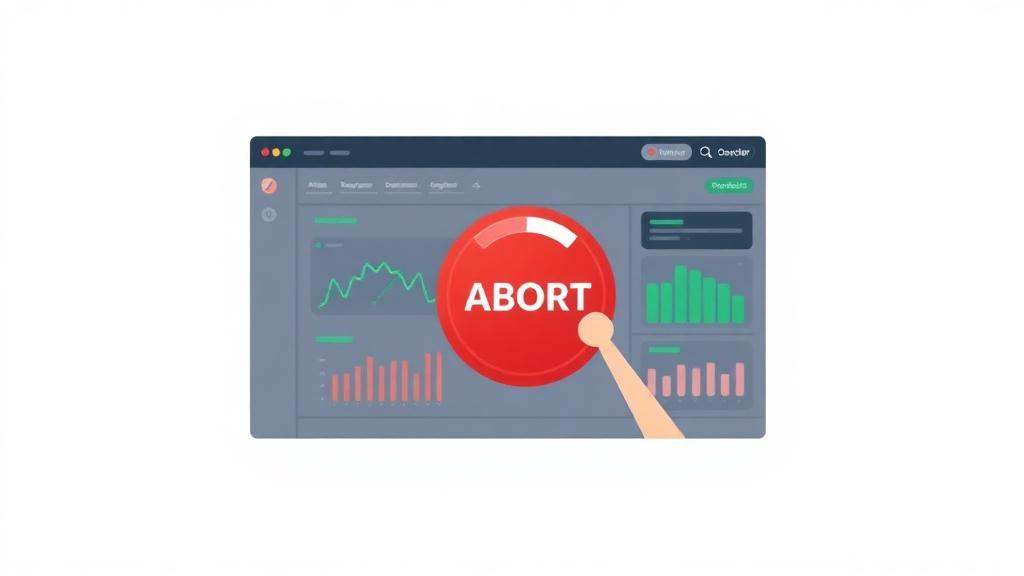
Click the red "Abort" button displayed in the "Running Actions" section.
💡 The abort button is only shown for jobs in
runningorqueuedstatus.
3. Confirm in the Dialog
A confirmation dialog will appear saying "This action cannot be undone." Click "Abort" to confirm.
4. Abort Complete
The job status changes to "Aborted" and backend processing stops.
Options After Aborting
After aborting a job, you have the following options:
Re-run
You can re-run the job with the same settings. You can also modify the Issue content before re-running.
Rollback
You can go back to a problematic phase and try again.
Run as New Job
You can also change settings and run as a new job.
Important Notes
Abort Cannot Be Undone
Once aborted, a job cannot be restored. Make sure you really want to stop before aborting.
In-Progress Phases May Be Left Incomplete
Since the job stops mid-process, branches or files may be left in an incomplete state. Clean up branches manually if needed.
Aborting Queued Jobs
Jobs in queued status (waiting to run) can also be aborted. In this case, they are cancelled before actual processing begins.
When Build URL Doesn't Exist
If backend processing hasn't started yet (no build URL exists), the abort button will be disabled. Please wait until processing begins.
Status Flow
queued → running → aborted
           ↓
       succeeded / failed
Aborted jobs have aborted status and can be seen in the jobs list.
FAQ
Q: Can I see logs for aborted jobs?
A: Yes, you can view logs up to the point of abortion. Access the log URL from the job detail screen.
Q: Am I still charged for aborted jobs?
A: DevLoop Runner credits: 1 credit is consumed even if the job is aborted. However, if you're using your own LLM API keys, you'll be charged for API usage up to the point of abortion. Aborting early helps reduce your LLM costs.
Summary
- Abort feature allows stopping jobs mid-execution
- Jobs in running/queued status are eligible
- After aborting, you can re-run or rollback
- Cannot be undone, so confirm before executing
Use the abort feature to flexibly control your development workflow.
Get Started with DevLoop Runner
Auto-generate PRs from GitHub Issues. Let AI accelerate your development.